The process to reset email password in directadmin is always easy and straight forward. This article will give you a guide to how to achieve this.
- Login your control panel using your username and password.
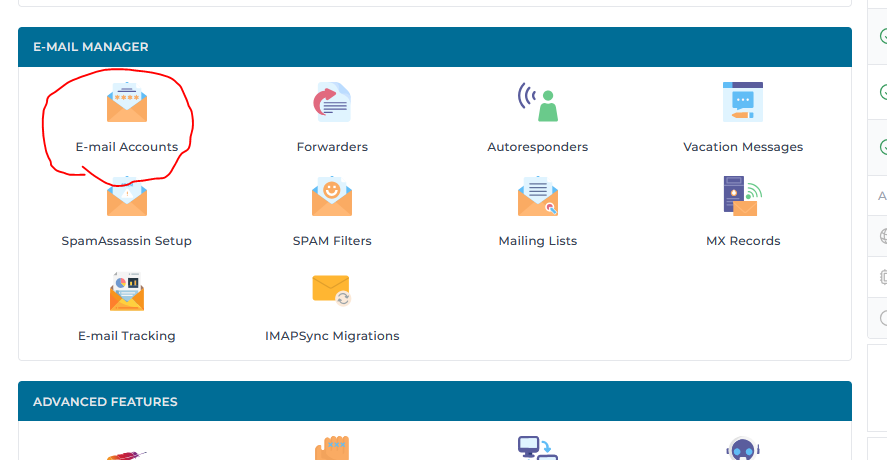
- Find Email Accounts icon and click on it.
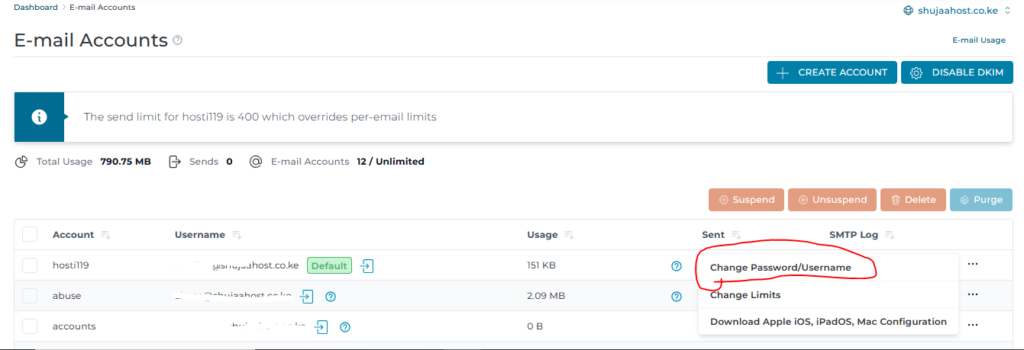
- Locate the email address you wish to reset the password for.
- Click plus (+) icon on the right-hand side.
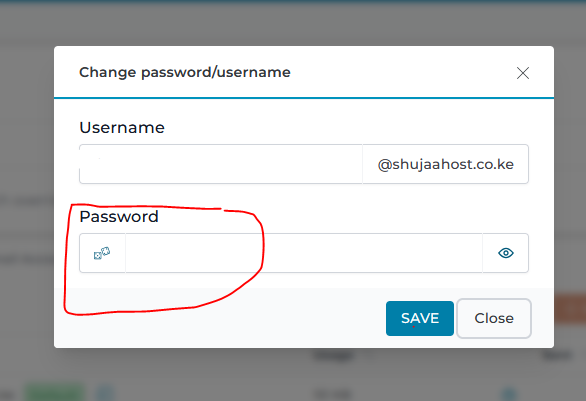
- Type the new password/username. Make sure that you type a strong password. A strong password should contain numbers, capital letters and special characters.
- Click save.