Two-factor authentication (2FA) is a security method that requires users to prove their identity using two different forms of verification before they can log into an account or system.
Directadmin comes equipped with Two step verification mechanism. In this guide, we will explore the process of enabling 2FA for improved security of your cpanel account at Shujaa Host.
- Login your control panel using your username and password.
- Under Advanced Features, click on Two-Step Authentication.
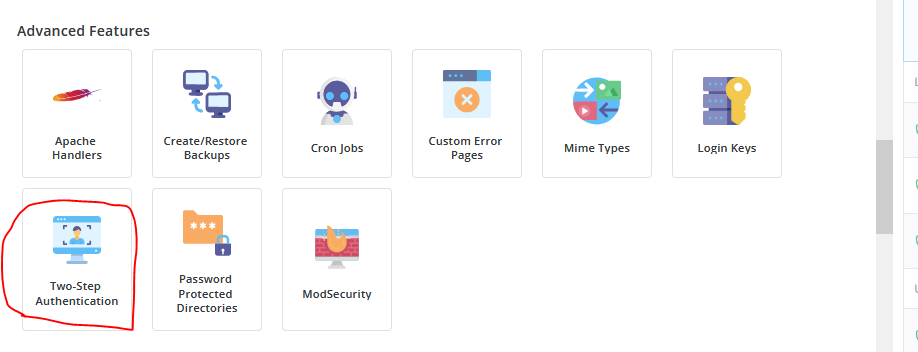
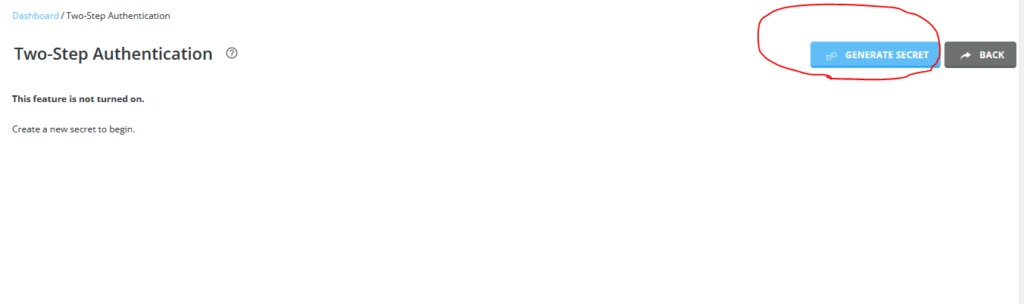
- Click the Generate Secret button to create a secret key and QR code.
- Scan the QR Code using Google Authenticator App.
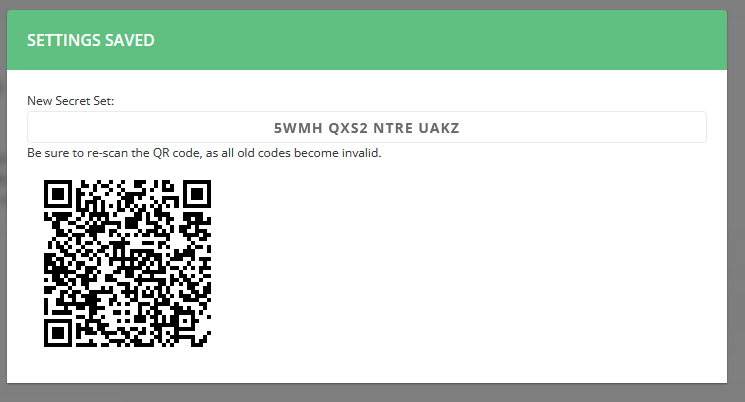
- Test whether the code is working by typing the current 6-digit code produced by your phone app.
- Activate and save.
In case you wish to disable 2FA, please check out this guide.